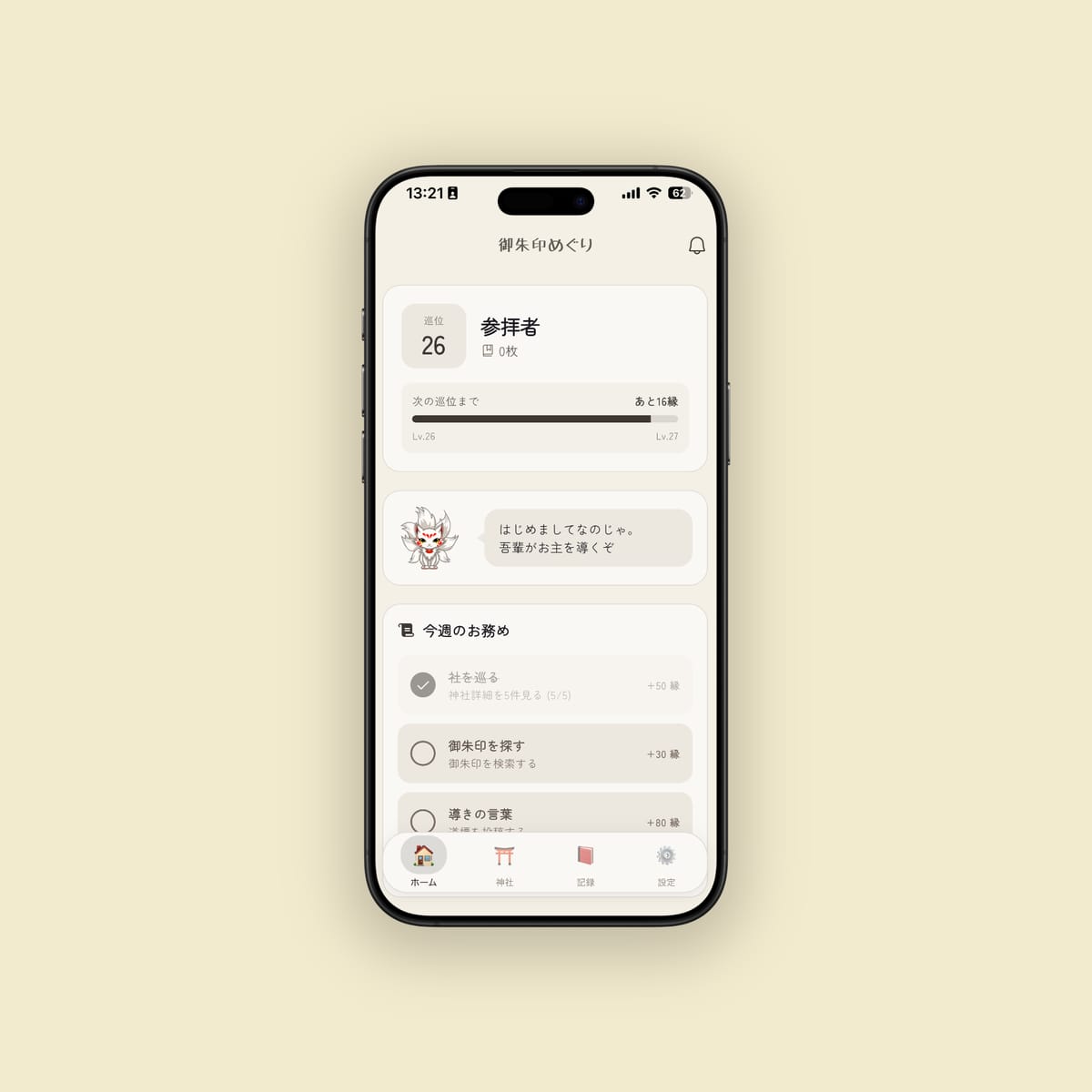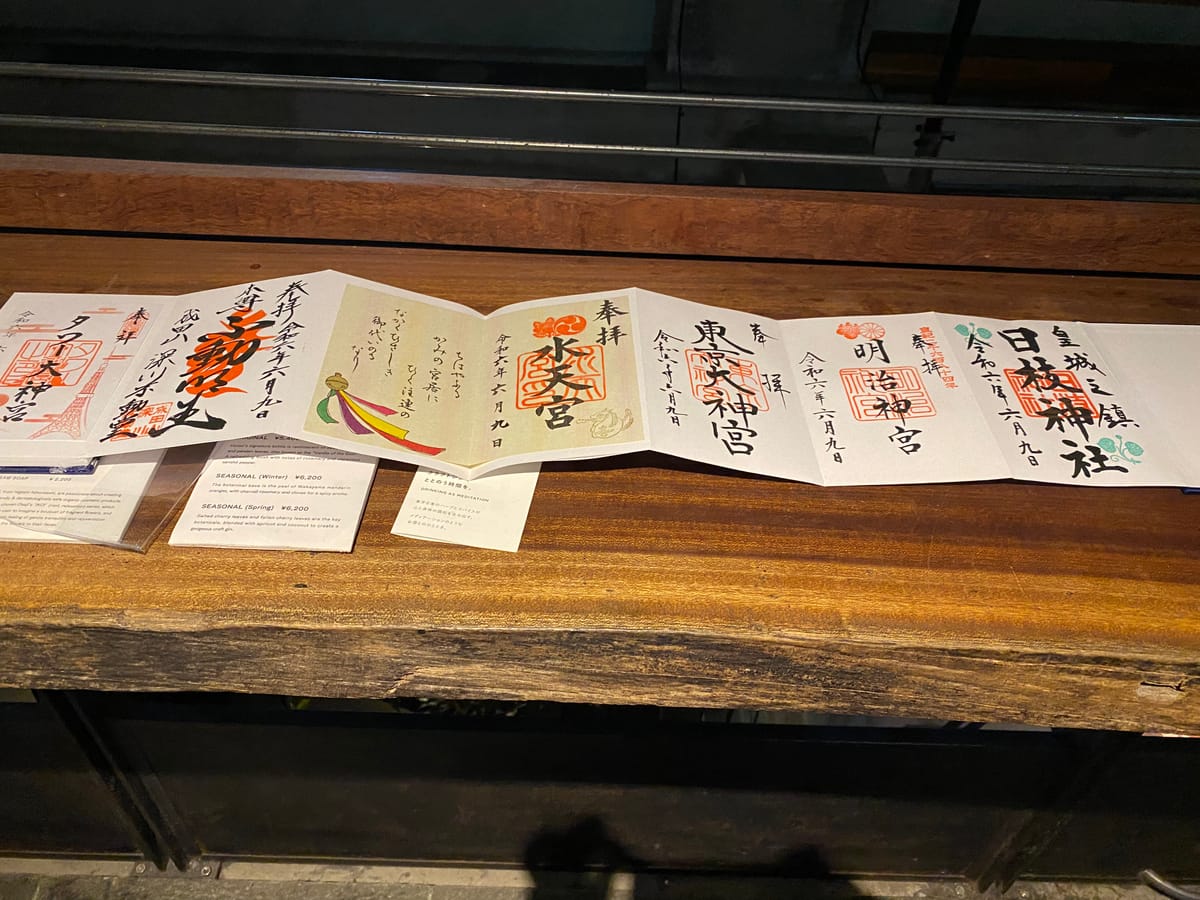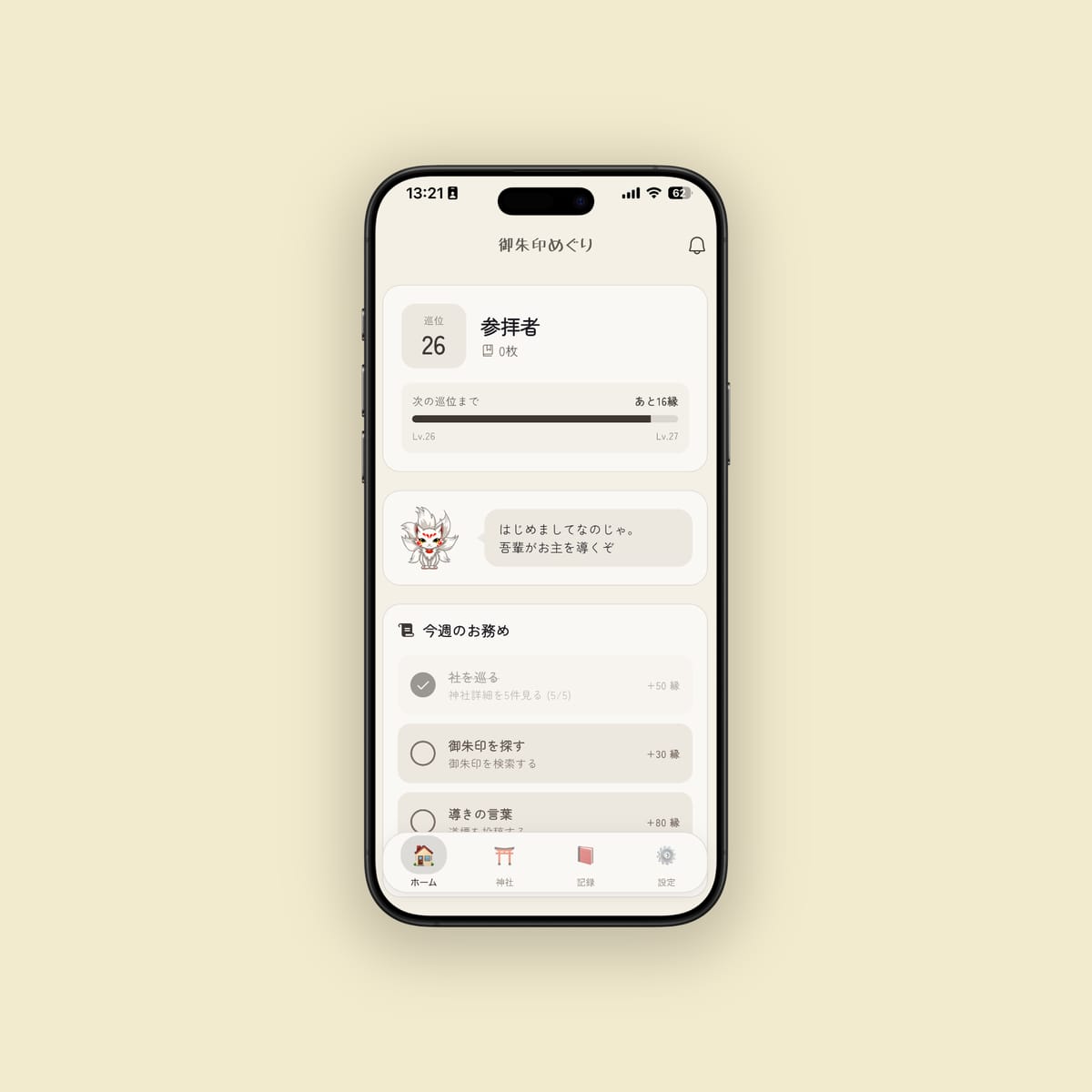
You downloaded the app. You logged your first goshuin. Maybe you wrote a visit note, or left a tip for the next pilgrim.
And then — you stopped there.
The Goshuin Meguri app has layers. Beneath the basic goshuin log lies a set of features that change how a visit feels, what you notice on a walk through a shrine precinct, and how a week of pilgrimage connects to the one before it. Some features only become meaningful after months of records. Others are most useful precisely when you are new and finding your way.
This guide covers ten features the basic onboarding doesn’t reach. A core introduction to goshuin logging, visit notes, and tips can be found in the app guide. This article picks up where that one leaves off.
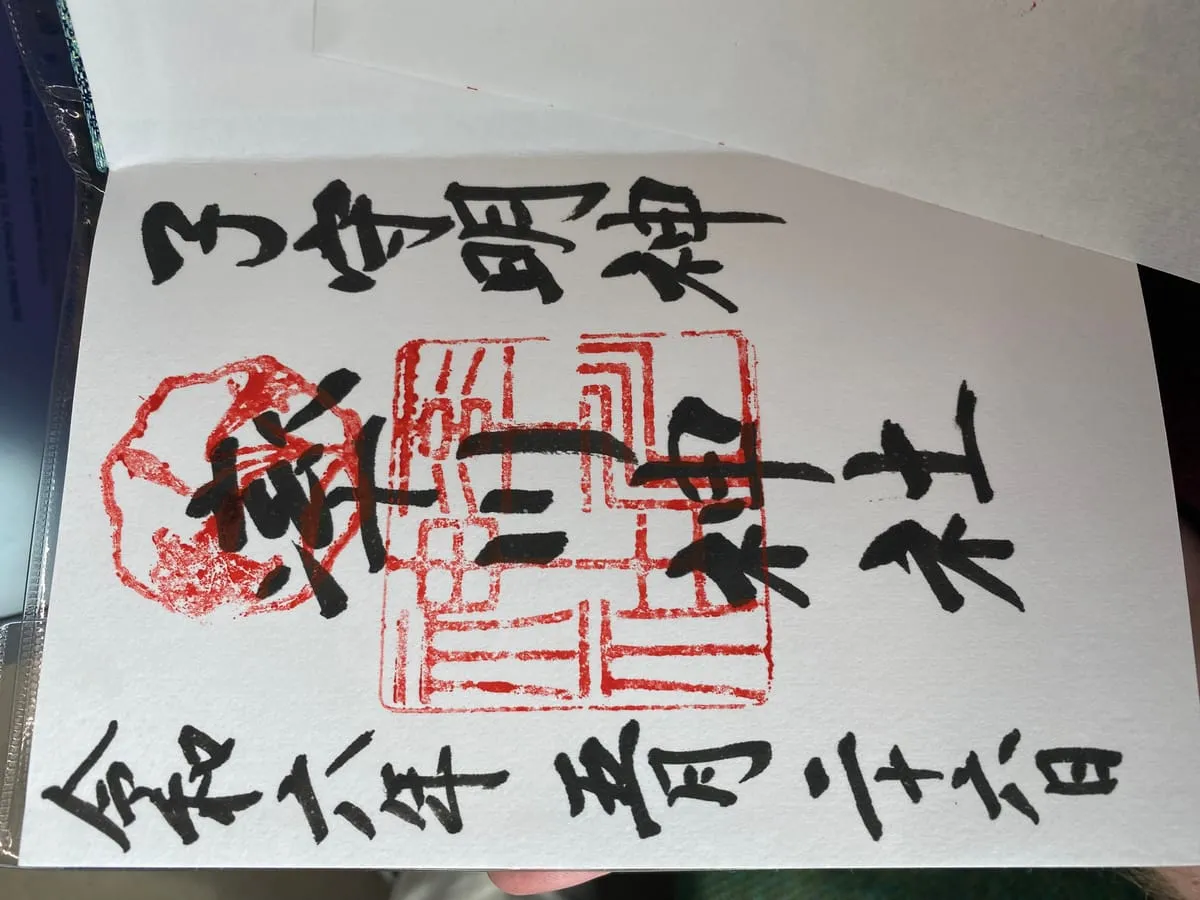
Feature 1: Join a Pilgrimage Course and Track Your Progress
Japan has a long tradition of structured pilgrimage routes: the Saikoku Sanjūsansho (33 Kannon temples in Kansai), the Shikoku Hachijūhakkasho (88 temples linked to Kūkai), the Bandō Sanjūsansho (33 Kantō temples), the Chichibu Sanjūyonka (34 Saitama temples), and many more. Visiting them produces a different experience from accumulating individual stops — there is a continuous journey rather than a collection.
The Pilgrimage tab lets you enroll in any course. Once enrolled, you see the full list of sacred stops (fuda-sho), your progress, and each site on a map. Any shrine’s detail page shows pilgrimage badges when it belongs to a course — occasionally revealing that a shrine you visited casually was already stop 23 on a route you’ve been working through separately.
When you log a goshuin during a pilgrimage, the app links it to the specific stop number. No more searching multiple goshuincho for the stamp from stop thirty-one.
The app supports more than 27 courses, from local district circuits to the major national routes. Checking the Pilgrimage tab often reveals that you’re already partway through something.
Feature 2: Use the Shinbutsu-cho to Read the Stories Behind the Names
Every shrine has a history panel — an engi describing its founding, deities, and the events that shaped it. The problem is that names like Amaterasu Ōmikami, Ōkuninushi, or Kūkai remain names without weight unless you already know the background.
The Shinbutsu-cho (Divine and Buddhist Encyclopedia) solves this. Names of deities, bodhisattvas, and historical figures in an engi are linked directly to detailed entries in the app’s knowledge graph. Tap a name and a panel opens with the full story: origins, relationships to other deities, significance in Japanese religious history, the shrines most closely associated with them.
Knowing this context before approaching the main hall changes what you notice. The facing of the honden, the shape of the chigi roof ornaments, the style of the shimenawa rope — these become readable signs rather than decorative details.
The Shinbutsu-cho is a knowledge graph, not a flat list. Each entry connects to others: deities to shrines, figures to temples, temples to founding traditions. One entry leads to the next. A quick lookup can become an hour of reading that traces a thousand years of Japanese religious history.
Feature 3: Send Tsugibi (Pilgrim’s Fire) to Fellow Travelers
When another user has also visited a shrine you’ve been to, you can send them Tsugibi — pilgrim’s fire.
Tsugibi (lit. “relay fire”) is not a like button. It’s not a follow request. It says, without words: I was there too. I read what you wrote. Something in your record reached me.
The mechanics are simple. The app’s home screen shows a feed of other users’ recent activity. When a record appears from a shrine you’ve also visited, you can send Tsugibi. The recipient receives a notification — not your name, just the fact that someone who knows that place sent fire.
Fire doesn’t diminish when shared. The candle lit from another candle doesn’t dim the first. Tsugibi works the same way: it costs nothing and arrives as a quiet signal of connection across the pilgrimage network.
The feature rewards careful reading. If you scroll the feed without pausing on records that move you, Tsugibi sits unused. If another person’s account of a shrine in rain or at dawn pulls you back to your own memory of the same place, the impulse to send fire comes naturally.
Feature 4: Read Tips by Fire Count — Filter by Trust Level
The Tips (道標, michishirube — waymarks) system lets pilgrims leave practical, place-specific information for whoever comes next:
- “Goshuin counter closes at 4 PM, not 5 PM as the tourist map says.”
- “Direct writing only on the first of each month. Pre-written sheets on other days.”
- “Free parking for ~15 cars behind the second torii — turn right at the stone lantern, not at the gate itself.”
Each Tip can receive Tsugibi from other pilgrims. Tips with many fires have been validated by many visitors. When you arrive somewhere new, filter Tips by fire count — the most-verified information floats to the top. Low-fire recent tips may contain the most current information — seasonal changes, renovation notices, new limited goshuin — so check new alongside trusted.
Small shrines with no website are where Tips becomes most indispensable. For a major shrine, hours are verifiable from official sources. For a small neighborhood shrine with no staff most days, a Tip from someone who visited last spring may be the only preparation available.
Feature 5: Build a Trip Plan Before You Go
The Trip feature is a list of shrines organized by date and visit order. Add sites from the map, arrange them in sequence, carry the list into the day.
Most useful in three situations:
Working through a pilgrimage course in a single day. Add the stops you’re covering in order. The route is confirmed before you leave.
Traveling to an unfamiliar city. Drop target shrines into a Trip before leaving the hotel — a working map without the overhead of a separate app.
Navigating around closing hours. If one shrine closes goshuin acceptance at 3 PM and another at 5 PM, you need to visit the first one first, regardless of which is geographically closer. Trip planning lets you arrange the sequence before you’re standing at the station deciding.
Trip plans don’t need to be rigid. They function as a loose list of “places I want to get to today” as much as a fixed schedule. Actual visits often stray from the plan. The Trip adapts — and the list is still there when you want to return to it.
Feature 6: Check Goshuin Hours Before You Leave
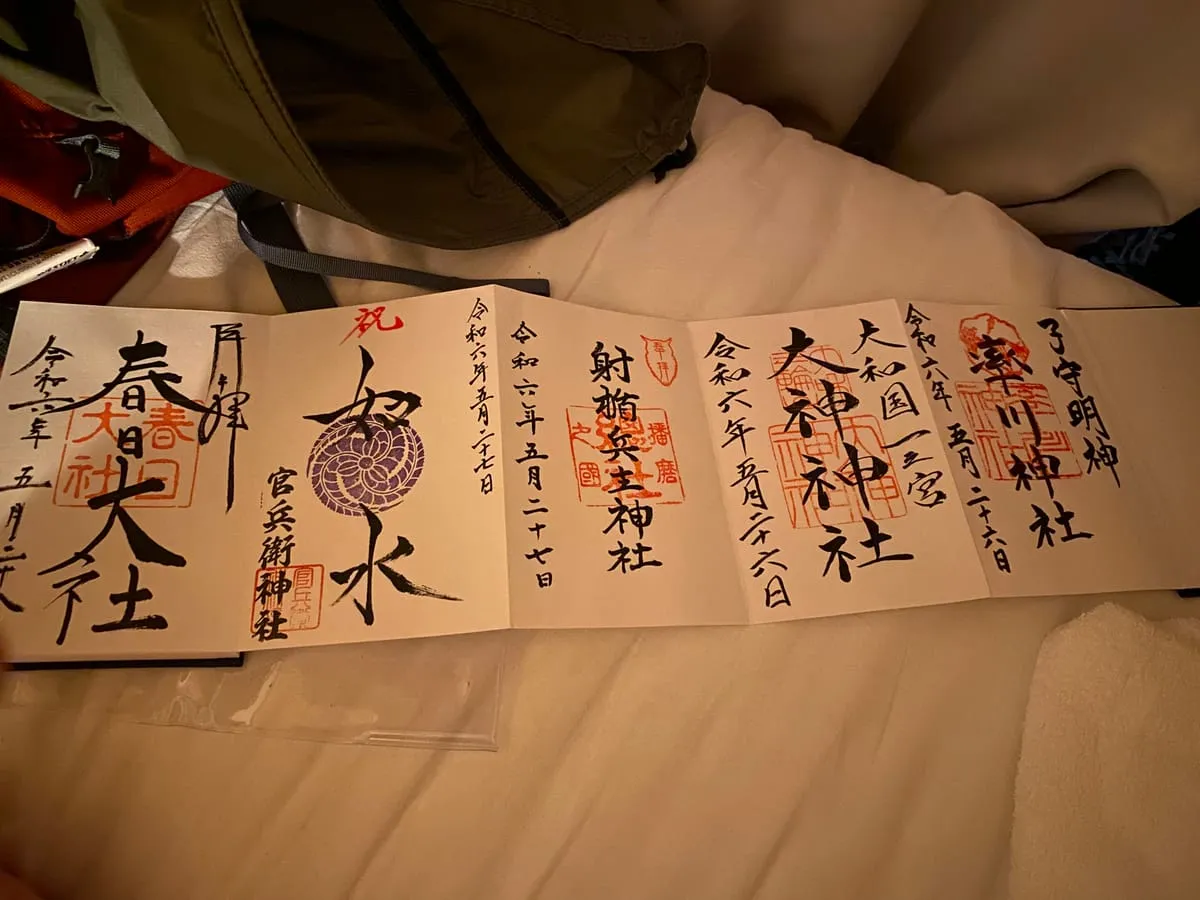
Arriving after a shrine’s goshuin counter has closed is one of the most avoidable disappointments in pilgrimage. Each shrine’s detail page in the app displays Goshuin Hours when they’ve been submitted by users. This is the acceptance window for the juyosho (the office that handles goshuin), which is often narrower than the shrine’s posted open hours.
Check hours before you leave, not when you’re already on the train. Where this matters most:
- Long-distance visits. If you’re traveling two hours or more, confirming hours the day before eliminates one category of risk.
- Afternoon starts. Many counters close at 4 PM or 5 PM. Knowing this changes whether you visit that shrine first or last.
- Holiday periods. Hours often change during New Year (sanganichi) and major holidays. Recent user submissions are more reliable than official listings that may not have been updated.
The information is user-submitted and may lag behind actual changes. For important trips, cross-check against the shrine’s official website if they have one. And when you visit a shrine and notice the app’s hours are wrong or missing — update them. Someone else’s day depends on it.
Feature 7: Log Pre-Written Goshuin the Moment You Receive Them
Pre-written goshuin (kakioki, 書き置き) — loose sheets handed over at the counter rather than written directly in your book — are increasingly common. They’re also the most frequently lost type of goshuin record. What goes wrong: multiple sheets from different shrines get mixed up in a bag; weeks pass before pasting and the shrine name is gone from memory; ink smears before it fully sets.
The fix is immediate registration. The moment the attendant hands you the sheet, before you put it in your bag, take a photo and log it in the app. You know the shrine name right now — you’re standing in the precinct. You won’t know it as well in two hours.
Photograph while the paper is still flat. Once it’s spent time in a bag, it may have warped. After logging, paste into your goshuincho whenever you like. The digital record is complete regardless of when you do the physical work.
Feature 8: Use the Statistics Screen to Discover Your Patterns
After enough visits, the Statistics screen stops being a simple counter and starts being a mirror.
What the screen shows: visit count by prefecture (on a map), monthly visit counts over the past year, day-of-week distribution, annual comparison, and cumulative totals.
These numbers surface patterns you might not have noticed.
“I have forty visits in Tōkyō and almost none in Kanagawa, which is right next door.”
“I go significantly more in October and November. Apparently I like autumn pilgrimages.”
When you can see a pattern clearly, you can decide what to do with it. The “I’ve barely left my home prefecture” realization suggests a direction. The statistics become more meaningful as records accumulate. Around fifty visits, tendencies appear. At a hundred, the map of your pilgrimage life has a distinct shape.
Feature 9: Write Visit Notes That Photographs Can’t Hold
A photograph of a goshuin records what was stamped and written. A photograph of the precinct records architecture and light. Neither captures the atmosphere of the visit.
Visit notes are where the rest goes: the quality of quiet in the main hall, what the priest said, how long the walk from the gate took, the particular light of that hour, what you noticed that doesn’t appear in any guidebook.
Visit notes are visible anonymously to other users. You write for yourself, but what you record becomes available to the pilgrim who visits next week, next year. A sentence written to help yourself remember becomes a waymark for someone you’ll never meet.
Write as though addressing yourself five years from now, who no longer remembers the trip clearly. The ordinary logistics and weather are exactly what reconstitute a memory most vividly in retrospect.
Feature 10: Level Up Your Account and Unlock Features
The app tracks a rank (ikai) that rises as you accumulate visits, log goshuin, and leave Tips. The rank comes with a changing title, and at certain thresholds it unlocks features that weren’t available at the beginning.
This is grounded in what’s being shared. A person on their first shrine visit can’t say much about the goshuin office of a small rural shrine with any reliability. A pilgrim who has visited a hundred shrines and written thirty verified Tips — that person’s submissions carry weight.
Features that unlock with rank:
Tip submission. You cannot submit Tips before reaching a certain rank — minimum experience before advising.
Goshuin hours and fee submission. Misinformation here wastes real people’s real travel time.
Expanded activity feed. The range of other pilgrims’ activity you can see grows with rank.
Rank rises automatically. It tracks what you’ve actually done. On an ordinary day of pilgrimage, you might return home to find that several visits pushed your rank to the next level. The notification is quiet. The new capabilities are there when you look.
Ten Features at a Glance
| Feature | In one line |
|---|---|
| Pilgrimage courses | Turns individual visits into a continuous journey |
| Shinbutsu-cho | Read the deity’s story directly from the shrine’s engi |
| Tsugibi | Pass the flame of your pilgrimage to a fellow traveler |
| Tips and fire count | Filter practical local knowledge by how many pilgrims verified it |
| Trip planning | Design the route before you’re standing at the station |
| Goshuin hours | Know before you travel whether the counter will be open |
| Immediate kakioki logging | Log pre-written goshuin the moment you receive them |
| Statistics | Find patterns in your pilgrimage you couldn’t see without data |
| Visit notes | Capture what the photograph can’t |
| Rank and unlocks | Experience earns trust earns capability |
You don’t need to adopt all ten at once. Start with the one that fits the problem you most often run into. If you travel to unfamiliar cities with multiple shrines on the list, start with Trip planning and Goshuin hours. If your records feel like data points rather than memories, start with Visit notes. If you want to know why shrines exist rather than simply that they do, start with the Shinbutsu-cho.
The features reinforce each other. Using one makes others more useful. That’s the design: a pilgrimage tool that deepens as the pilgrimage deepens.
Records That Compound
The underlying principle across all ten features: records compound.
The goshuin you log this year becomes a data point in next year’s statistics. The visit note you write tonight becomes a Tip for next month’s visitor. The Tsugibi you send after reading a stranger’s account of a shrine you both know creates a thread of connection that neither of you will fully trace.
Five years of records is different from five years’ worth of photographs in a camera roll. The photographs exist; the records mean something. They link to places, dates, courses, deities, notes, and other people’s records. Over time, they become a map of an ongoing practice rather than a collection of receipts.
The goshuincho fills page by page. The app fills layer by layer. Both reward patience. Both reveal, on a long enough timeline, who you have been visiting and what you have been looking for.
Image Credits
- isagawa-goshuin.jpg: “Goshuincho with five shuin” by Immanuelle / Wikimedia Commons / CC BY 4.0
- goshuincho-collection.jpg: “Displayed Goshuinchō” by Immanuelle / Wikimedia Commons / CC BY 4.0